Recover deleted templates
Deleted a template by accident? You can now get it back from the Trash.
Whenever you delete a template, Briskine now keeps it in the Trash for 30 days before removing it for good. During that time, you can restore it, and it comes back with its original shortcut, tags, and sharing settings. If you need to restore several at once, select them from the list and use the Bulk Actions menu.
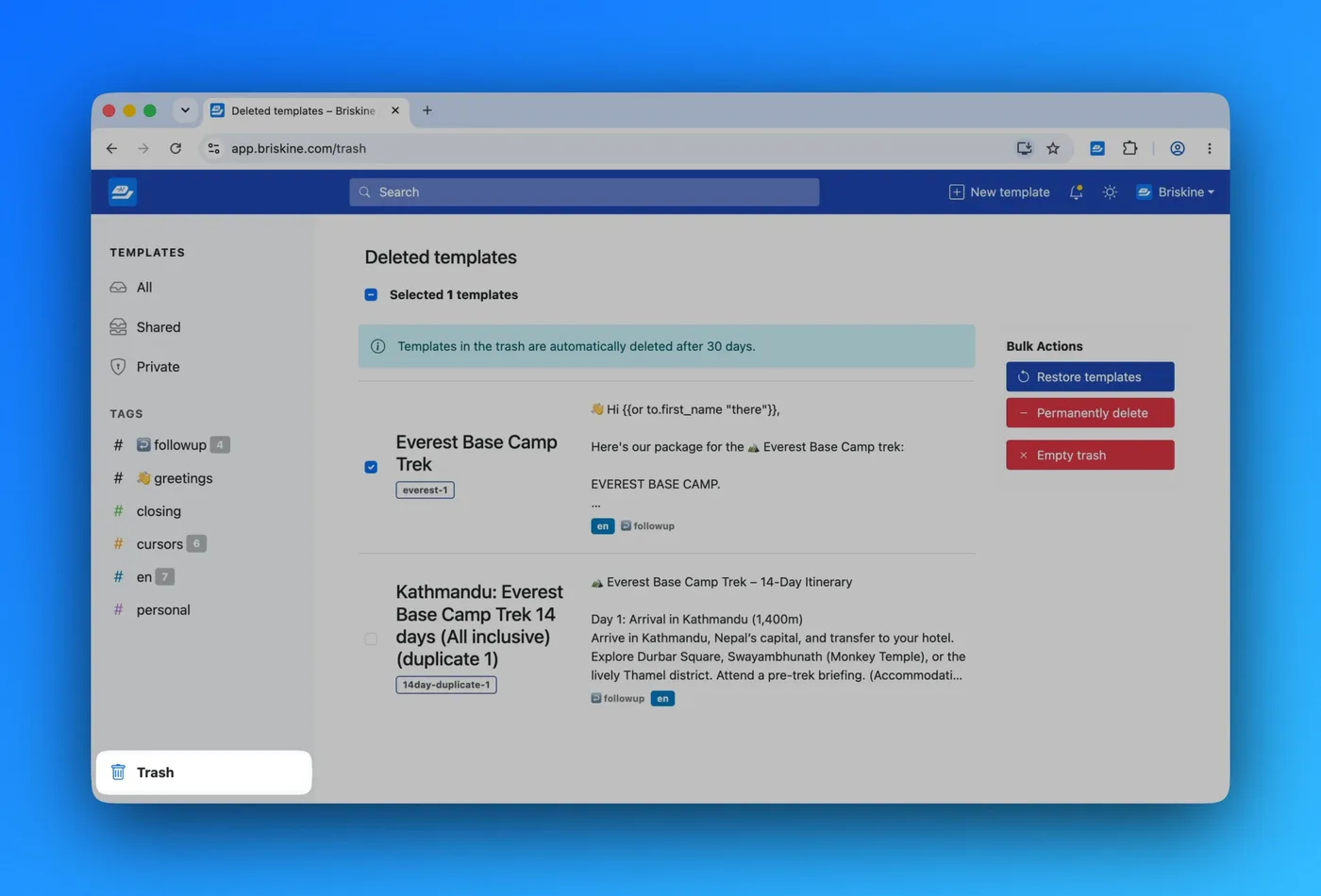
If you're part of a team, your Trash only shows deleted templates that you've created yourself, even if they were shared. And if you're sure you won't need something back, you can delete it permanently at any time, or empty the whole Trash in one go.
Restoring templates is available on our premium plan.
Read more on the Trash page in our Help Center.
Thoughts or questions about this post? Need some help?
Get in touch at support@briskine.com